 Buy
Buy Sell
Sell Account
 Buy
Buy Sell
Sell Account
Back to Top
How to Upload Bulk Products
Step 1 : Download Sample CSV file https://nationmarketplace.com/media/Sample-Product.csv
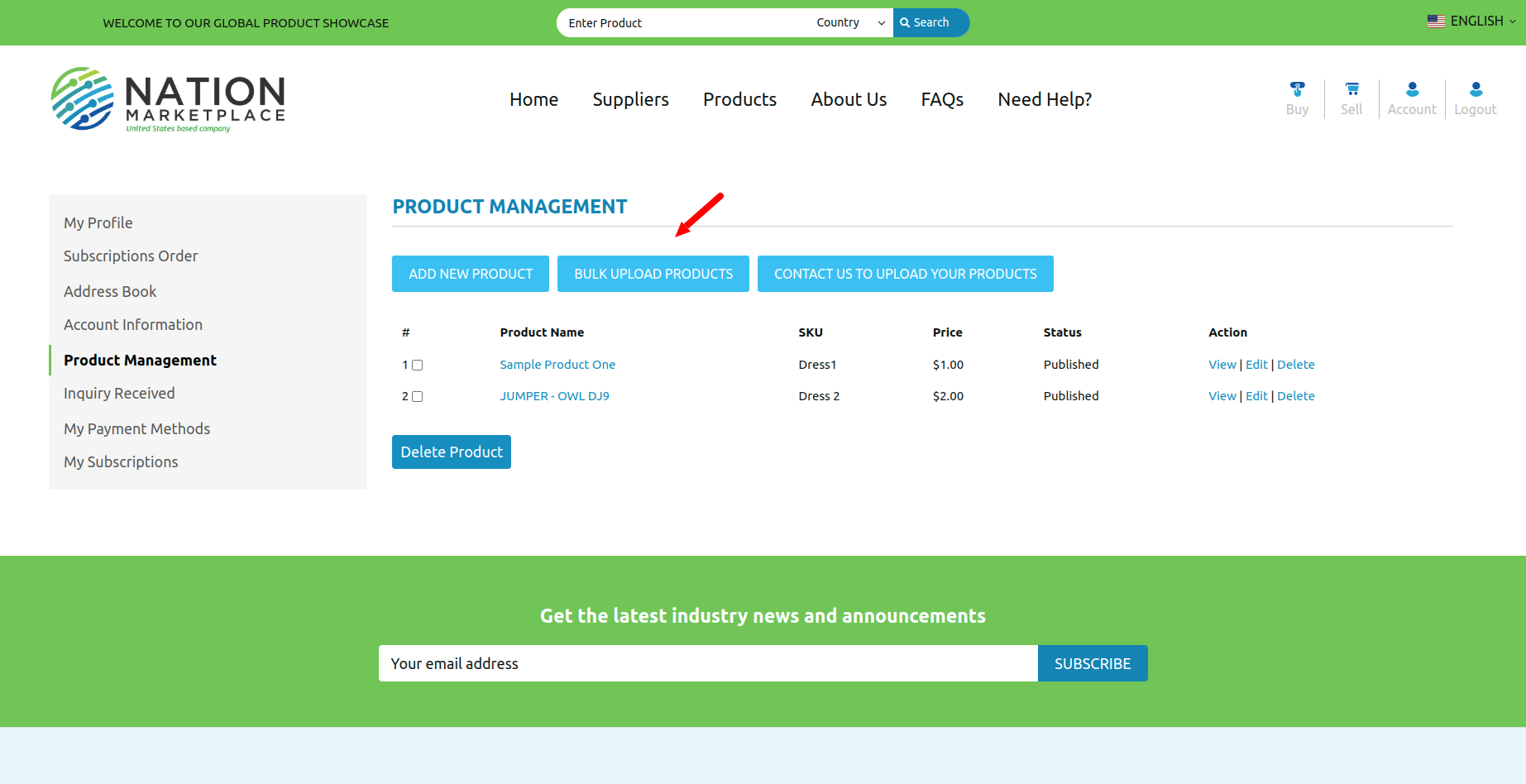
Step 2 : Open CSV file and enter all product values
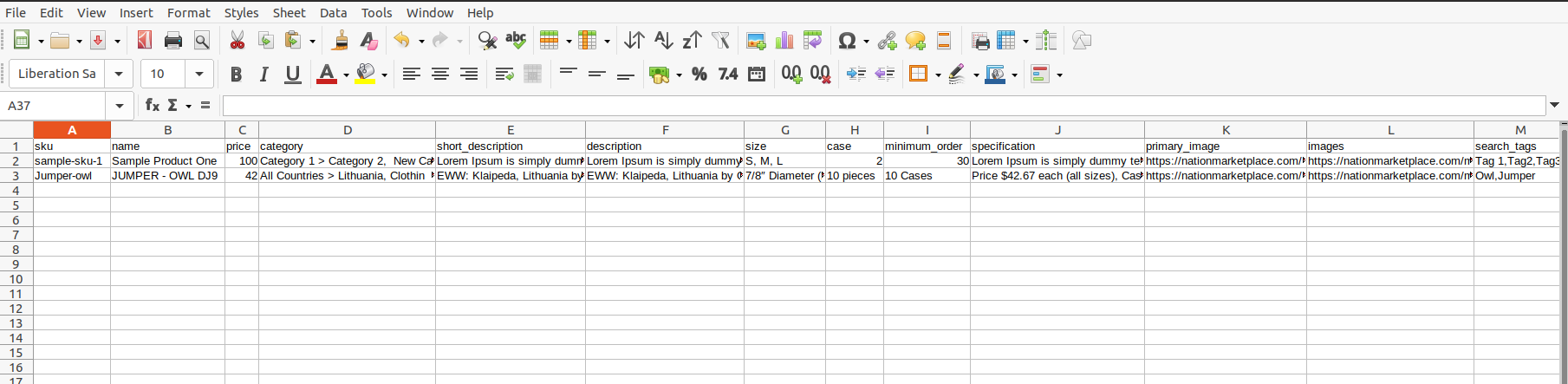
- Sku is Product SKU
- Name : Product name
- Price : Enter product price (Not required field)
- Category : Parent Category one > Sub Category One, Parent Category Two > Sub Category Two
- Shot Description : Enter Short description
- Description : Enter Description
- Size : Enter Size (Not required field)
- Case : Enter Case (Not required field)
- Minimum Order : Enter Minimum order (Not required field)
- Specification : Enter Specification (Not required field)
- Images : Please enter live any website URL.
- Search Tags : Enter search tags with separated by commas(,)
- Country Origin : Enter Country Of Origin
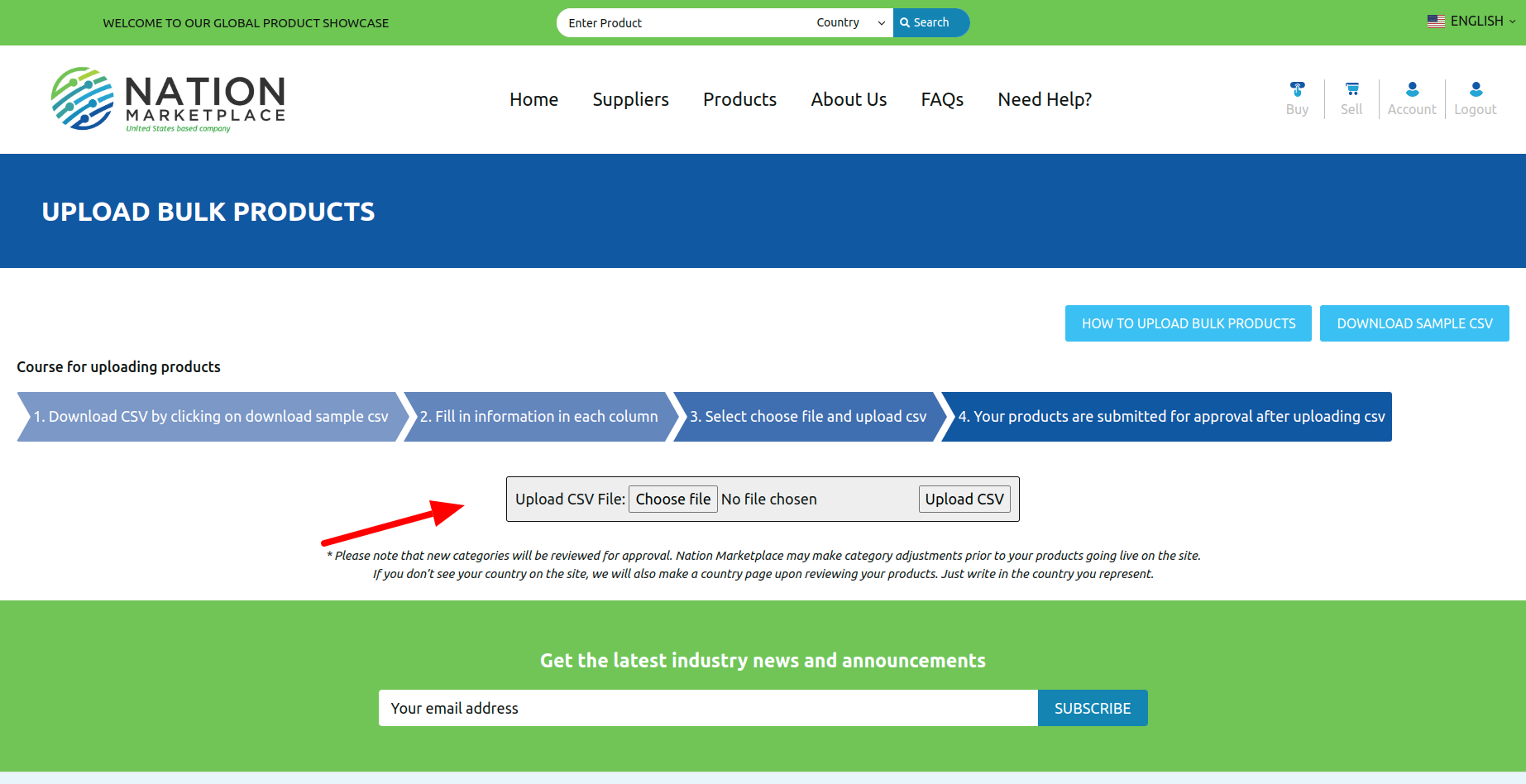
- Upload CSV file and click to Upload CSV file button